Migrating my vibe-coded apps from Dreamer
Dreamer was such a fun idea – I’ll miss it terribly. In case you missed it, Dreamer was a place to build and share agentic apps. It launched in beta in February 2026. By the end of March it had been licensed to Meta’ Superintelligence Lab and was set to sunset by May. Such a bummer!
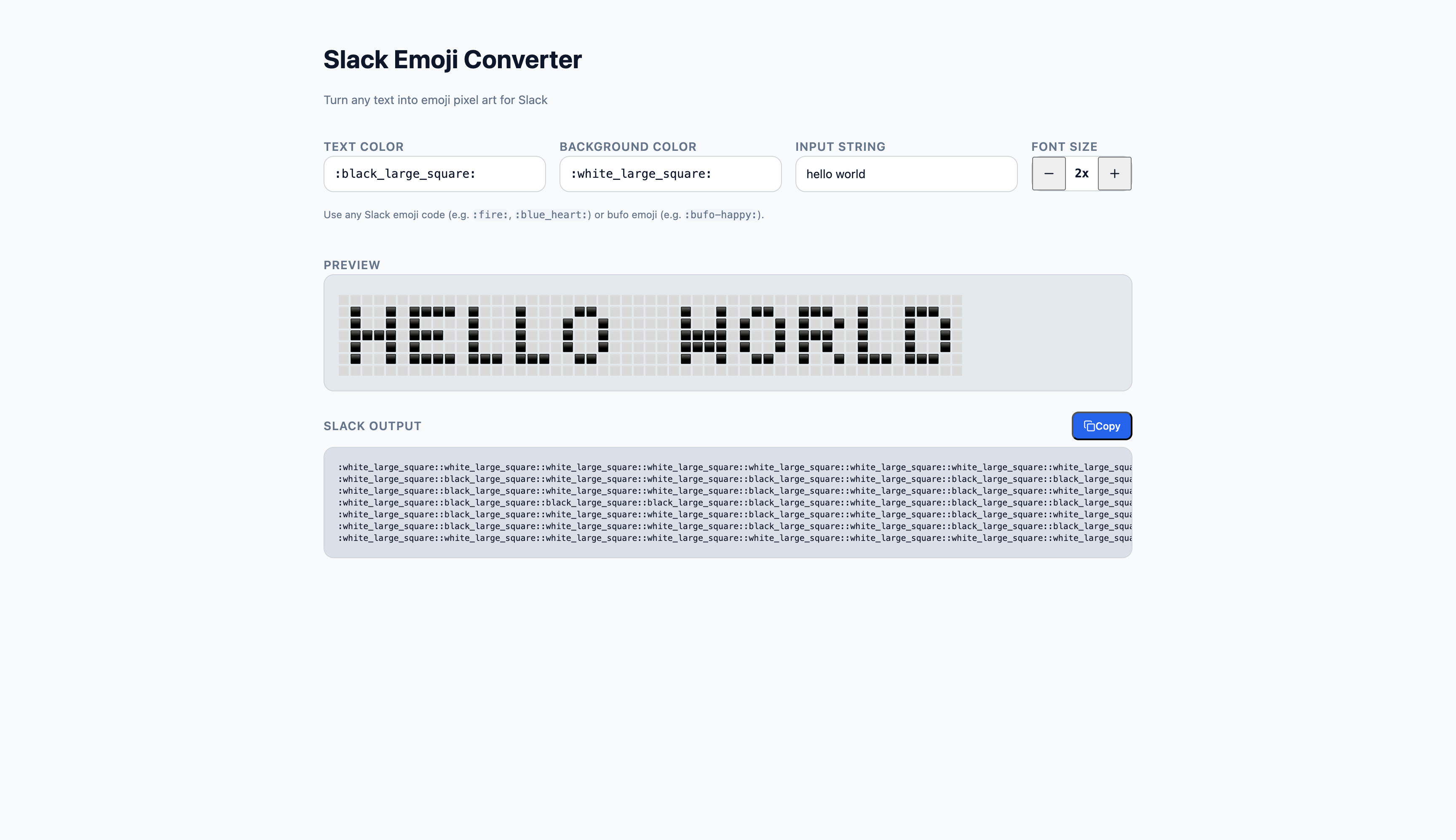
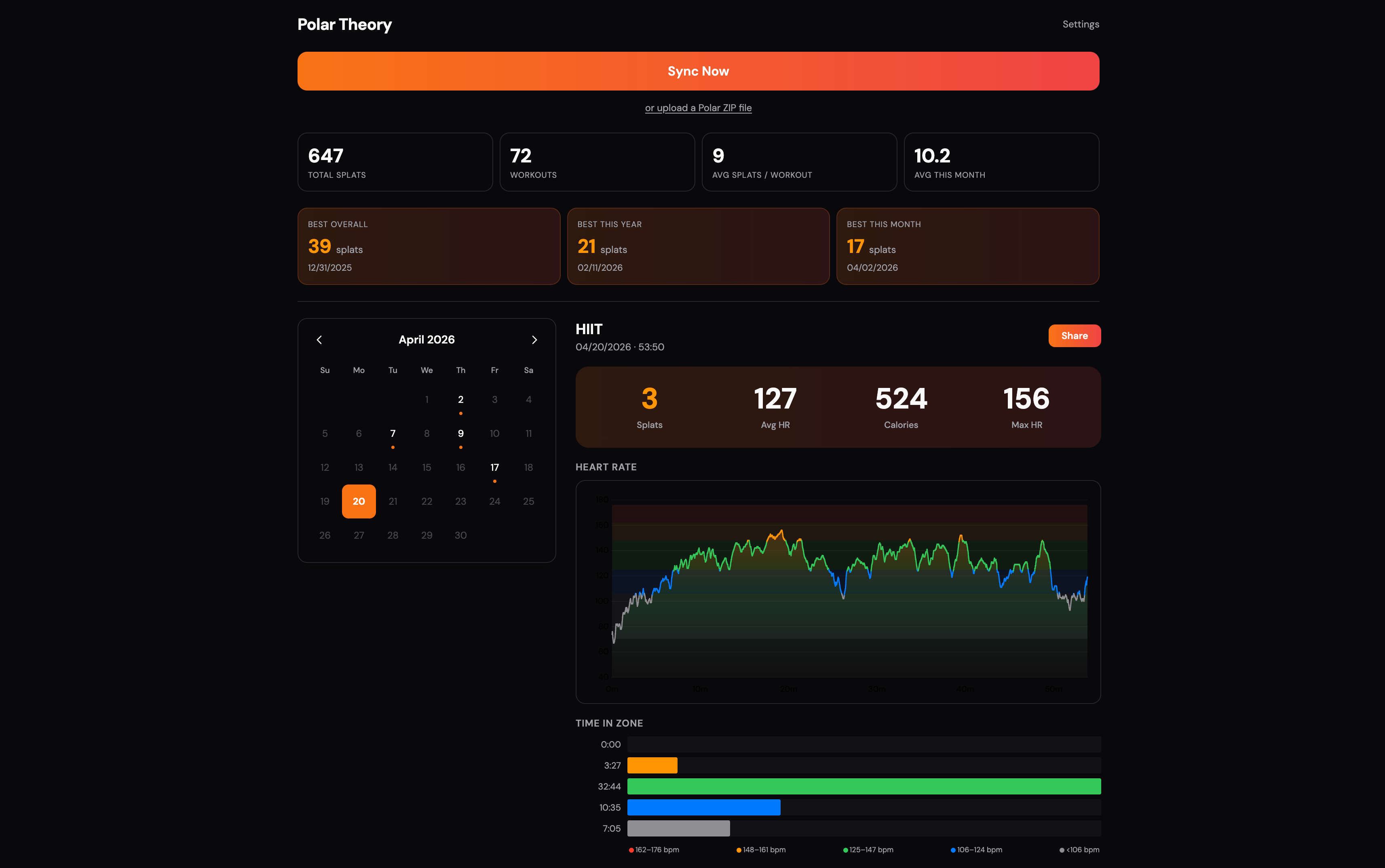
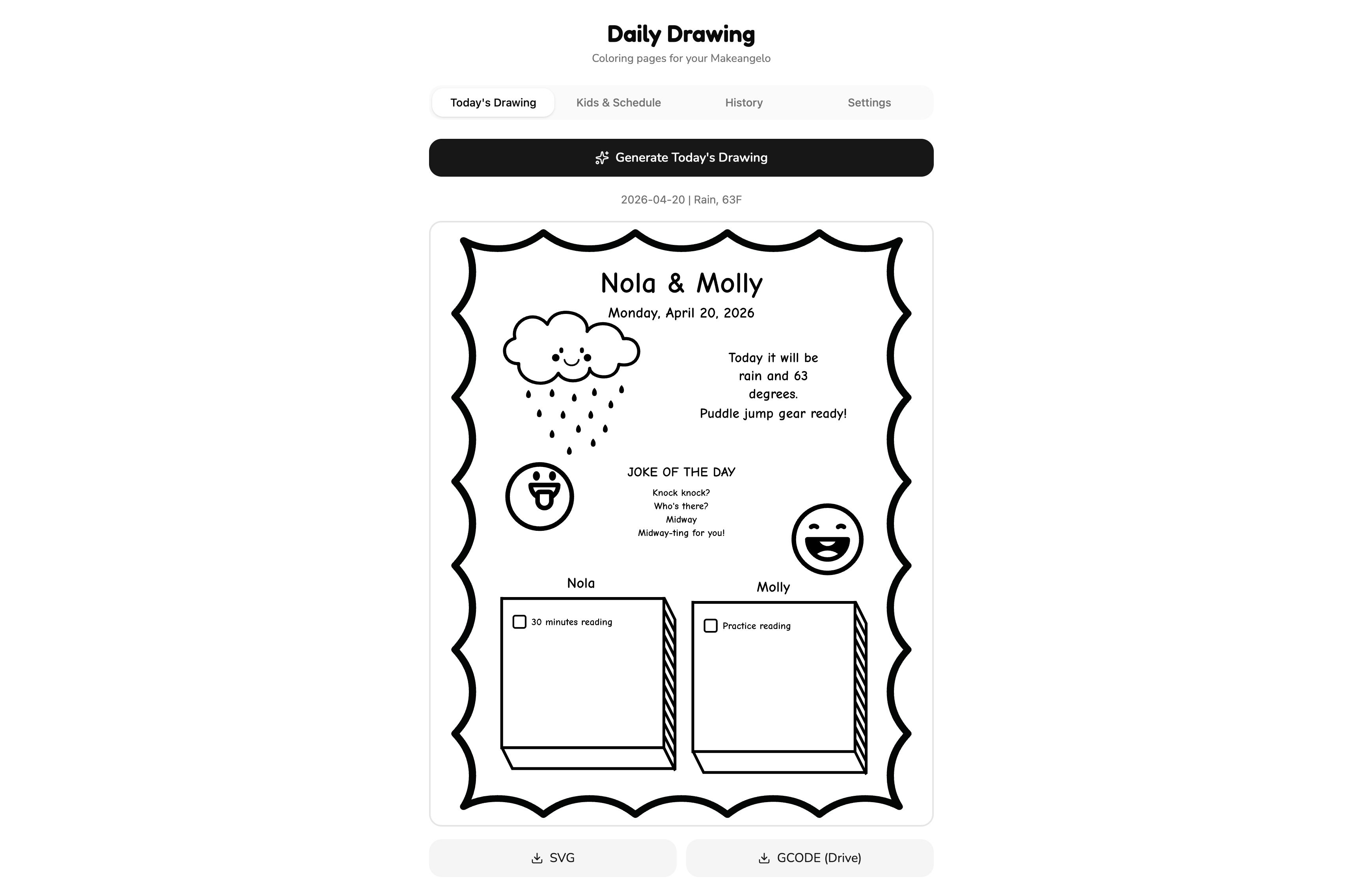
This post isn’t about the apps I built, but about the process of untangling them from Dreamer and moving them to a setup I could run and maintain myself. This process might be valuable for anyone else rushing to migrate off Dreamer and may just be helpful for anyone trying to migrate a side app generally. This post is also less “here’s a perfect tutorial” and more a field report. What worked, what didn’t, what I’d do again, and the little papercuts I’ll forget about in a week if I don’t write them down.
Requirements
I wanted a boring, repeatable baseline:
- Apps needed to build locally without drama. I used Vite + Bun.
- I wanted free or cheap hosting – most of these apps are just for me, so I didn’t want to get into complex expenses. I’m a fan of Vercel and Neon for simplicity so I went with those.
- Several apps had recurring daily jobs. I considered Github Actions or Vercel Cron for these and opted for Vercel, again to keep everything in one place.
One of the things that made Dreamer magic was how easy it was to integrate around. My apps used several of those integrations. However, Dreamer had an entire toolchain set up for these that I needed to port over to ensure parity.
- A set of apps saved files to Google Drive. A few synced information to Notion. I’d have to port to using the first party libraries for these.
- Several app created “side agents” (on top of Claude). For example, I built a recipe cookbook that lets me ask questions and modify recipes on the fly – I wanted to preserve that. I needed to figure out how it stored the prompts and get it on a reasonably cheap tier since they were valuable though infrequently used.
- Some apps had storage beyond Google Drive – my personal heart-rate sensor app that works off of Polar data needed a place to store charts and data so I could preserve them forever (apparently). For these instances I used Vercel Blob to minimize the number of systems I needed to check or remember.
- One app pulled weather data. I used Open Meteo for that.
The migration process
To begin, I pulled all the apps per Dreamer’s documentation:
dreamer pull [app-id] [name-of-app]
One gotcha: dreamer pull isn’t a sync mechanism — it’s just a snapshot download. I assumed it would behave a bit like a repo I could iterate on, but any local changes meant I was effectively out of date and had to pull again (and then re-apply changes).
This stung most when exporting database data, since the export didn’t come down with the initial pull. My first attempt was to ask Dreamer itself for a SQL dump via a prompt:
Export the database and put it in the static directory
But that meant I had to re-run dreamer pull to actually get the file onto disk. Annoying, and easy to trip over if you’re doing anything iterative.
Once downloaded a directory was had a number of interesting files in it:
.claude/
  may_edit.py
  prevent-drizzle-modifications.ts
  ... other safeties
drizzle/
  ...database files
src/
  ...app files
tools/
  ... dreamer specific integrations
skills/
  ... tons of claude skills
planning/
  ... more helpful docs for claude
App Icons
Dreamer doesn’t pull the app icons along with the app 🙈. To fix that, I opened my Chrome DevTools on my logged in dreamer, found all the icons painstakingly and saved them in the root of the directory as icon.jpg.
The .claude directory and safeties
The Vite migration kept getting blocked by Claude wanting to edit the src directory but being disallowed. I turned off these safeties to speed through my process:
is_blocked = False; # remove safeties in may_edit.py ~line 44
// in prevent-drizzle-modifications.ts, rename main to main_dreamer and then below that

async function main() {} // override
In my opinion AI (and in particular Claude) is quite good at porting code. The Vite + Bun migration was mostly a one shot, especially for apps with no dependancies. A prompt like this worked pretty well:
We are migrating this app from a defunct product called Dreamer to something I can deploy myself. We'll be deploying on Vercel. Convert this to use Vite so I can build locally and remotely. Remove any dependancies on dev-agents or dreamer so that it will deploy. Maintain the visual design as much as you can and do not change any functionality. If there is code in here that is unused you can choose to ignore or remove it, so long as it builds.

There is a file in the root of the directory called icon.jpg – I would like that to be the favicon for the project and website. Move or adjust it to where it needs to be to support that.

Add a README when you're all done explaining the project, the environment variables, that it was a Dreamer migration, what it takes to run locally and anything else you think is important to flag.
Server functions
Most of my applications needed a database and, with that, server functions. The database was easy enough – I logged into Neon, created a free tier project called “Dreamer Apps,” and then built a new database for each app. Dreamer exported everything as SQLite and Neon is Postgres, but the port was nothing Claude couldn’t handle.
The backend on Vercel was more problematic. Originally Claude chose to use Hono, but I couldn’t seem to get it to work properly on Vercel. Since my goal was to migrate a lot of applications and minimize digging into debugging, I opted to switch to Express, which worked much better. I also encountered problems with ID collisions, so I found that reminding Claude to address that up front saved a lot of headache later.
For these applications, my approach was:
- Drop the database export in
/drizzle/000X_DATABASE_EXPORT.sql - Create a .env file with the Neon credentials keyed to
DATABASE_URL. - Prompt.
My prompt thus grew to something like this:
We are migrating this app from a defunct product called Dreamer to something I can deploy myself.

We'll be deploying on Vercel + Neon. We have several steps to do. The first step is going to be to prep the database. I manually added in a file called NAME_OF_DATABASE.sql, but it is not contained in the drizzle journal. It is possible the database is in SQLite format – verify that and migrate everything to Postgres if so. Make sure that IDs are okay – I don't want to have conflicts because the new database starts over, so make sure that we start increments from whatever the highest current ID numbers are for each table. I would like to get that added and do what we need to run the migration and see it appear on Neon. I have set up DATABASE_URL in an .env variable for your purposes here.

The second step is to migrate the app. We'll be deploying on Vercel. Convert this to use Vite so I can build locally and remotely. Remove any dependencies on dev-agents or dreamer so that it will deploy. Maintain the visual design as much as you can and do not change any functionality. If there is code in here that is unused you can choose to ignore or remove it, so long as it builds. Use either a simple backend or Express – avoid anything that Vercel trips up on like Hono. Note that Vercel's Node.js runtime uses strict ESM which requires explicit file extensions, while Bun (local dev) is tolerant of missing extensions. Make sure you account for the import statements being correct. There is a file in the root of the directory called icon.jpg – I would like that to be the favicon for the project and website. Move or adjust it to where it needs to be to support that.

Add a README when you're all done explaining the project, the environment variables, that it was a Dreamer migration, what it takes to run locally and anything else you think is important to flag.
Integrations
For Integrations I needed to set up individual integrations. Dreamer has a lot of tools so, if you’re reading this and integrated with something custom, you’ll have to do your own research. For me though the main integrations were:
- An internal integration with Notion.
- A web client for Google (with Drive access!). I wound up setting the callback to
http://localhost:3001/callbackand creating a small Python app that got me the ID I needed and then just reused it on all my apps. 🤫 - An API key on the Claude Platform.
- Open Meteo didn’t need any credentials.
I customized my prompt with several paragraphs per integration to help with these integrations:
# GOOGLE DRIVE
The next step is to deal with Google Drive. Dreamer provided a file in tools/gdrive.ts but it is dependant on the dev-agents library we no longer support. We should migrate this to use a modern Google Drive typescript library (the official one?), but ideally support the same API to minimize changes in the application logic. I have supplied GOOGLE_API_KEY in environment variables for this.

# NOTION

The next step is to deal with Notion. Dreamer provided a file in tools/notion.ts but it is dependant on the dev-agents library we no longer support. We should migrate this to use a modern Notion typescript library (the official one?), but ideally support the same API to minimize changes in the application logic. I have supplied NOTION_API_KEY in environment variables for this.

# AI

This project includes an AI agent on the sidebar. I have supplied an Anthropic API key in the .env file, ANTHROPIC_API_KEY. There are several Markdown files that may explain how best to implement – `src/prompts` will be helpful here, as well as PRD, CLAUDE and CLAUDE-DATA-PLANNING markdown files. No specific change should be neccessary for the business logic for you beyond hooking up the the agent, but you have these files as reference points should you need.

# DAILY OPERATIONS

This project had an operation that ran daily, which did [X]. I would like to convert this to use Vercel Cron.

# EMAIL (one more example)

The next step is to deal with Email. Dreamer provided a file in tools/mail.ts but it is dependant on the dev-agents library we no longer support. We should migrate this to use a modern Resend typescript library (the official one?), but ideally support the same API to minimize changes in the application logic. I have supplied RESEND_API_KEY in environment variables for this.
Once deployed each app needed its own tweaking and debugging, but I could just prompt Claude the errors I was seeing until we got to a workable place.
Blob storage migration
Dreamer has its own storage system for content, but I didn’t trust it would be kept up. I needed to migrate everything that existed to Vercel Blob. Luckily, all my apps contained database entries with the full URLs here, so I was able to prompt the migration. However, this was a little awkward in that I needed a Vercel project in order to get the Vercel Blob credentials, but in order to migrate I needed the Vercel Blob credentials first!
I opted to treat this as a separate, post-prompt step:
- Get everything working (enough) to deploy
- Create the Vercel Blob on Vercel’s portal (under Storage > Create Database > Blob)
- Copy the subsequent environment variable locally
- Prompt to migrate all the Dreamer CDN content over to Vercel Blob.
Note that it was important to make the Blob public for me – I suppose if you wanted, you could add the extra step of private Blob storage, but it felt unnecessary for my purposes.
Reflections
While saddened Dreamer is gone, I am so grateful for the burst of creativity it instilled in me. I’m also relieved that Claude was able to handle these migrations as elegantly as they did - in all, I migrated a dozen of my most important apps in about a Saturday.